CAD File Viewer API
CAD.ai’s CAD File Viewer is a powerful professional tool for the 3D and design industry.
DESCRIPTION
You need powerful tools to deal with CAD files and that means displaying 3D models internally, to clients, on websites, and in apps. These tools are important because they allow users to preview 3D models before they are sent out for 3D printing or manufacturing. In spite of being a critical step in the design & manufacturing process, most of today’s CAD software doesn’t take this step seriously…
Key Features
Here are the key features that make this API outstanding

Preview Models
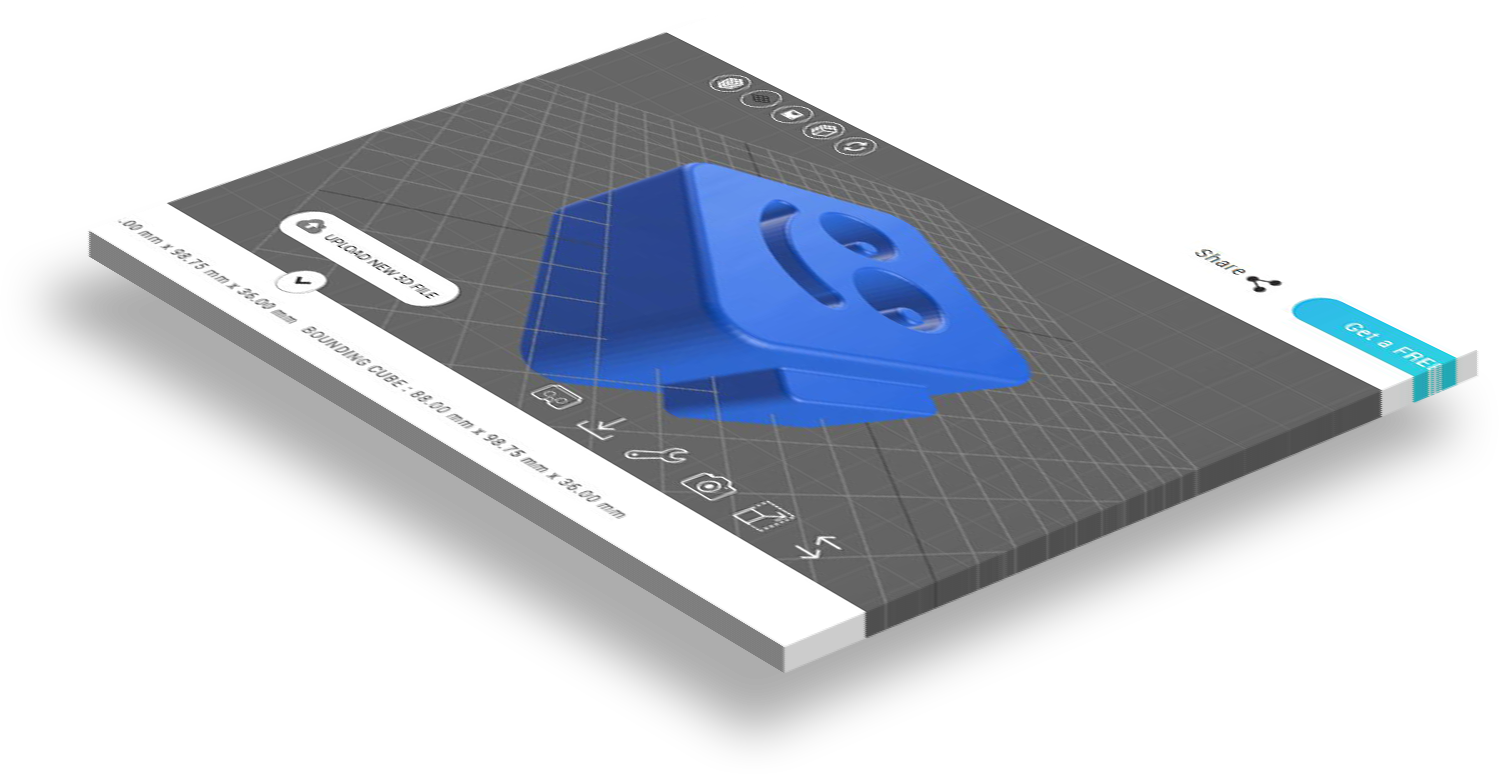
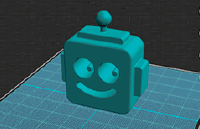
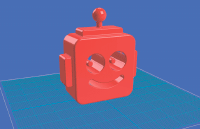
View CAD designs in your browser. Most 3D formats are supported like stl, obj, 3d, 3ds, and more. You don’t need software, simply place the widget on your web site and any customer will be able to look at your 3D models in the browser.

Rotate Model
Control your models with your mobile device touch screen or mouse to rotate your 3D models 360 degrees.


Grid Helper
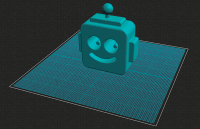
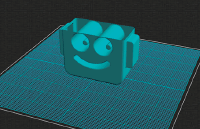
Create a grid platform under your 3D model to help visualize your CAD designs for your business.

Wireframes
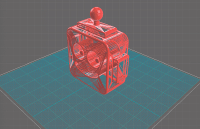
The viewer will create a mesh wireframe of your CAD design out of polygons, another way to show off the design of your 3D models.

Bounding Box
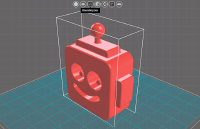
This features lets you create a bounding box around objects in the viewer. The Bounding Box is the smallest box that encloses the maximum dimensions of your design.

Auto-Rotate
Auto-rotate the model around the Z axis when the model is loaded. Use the slider menu in the sidebar to customize the speed of rotation.


Augmented Reality
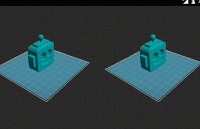
The CAD file viewer on your mobile phone allows you to explore the world of Augmented Reality, and all the 3D enhancements it has to offer.

Virtual Reality
Bringing you right into the action, you get an immersive virtual reality experience with the CAD.ai viewer.

Navigation Box
A cube geometry which responds to changes in orientation. A five buttons navigation panel also helps control & identify the orientation of your 3D model.


Sub Features
More features you need!
Scale
- Uniform Scaling
- Non-Uniform Scaling
Lightning
- Natural Lighting
- Directional Lighting
Material
- Quick Material
- Preset Materials Library
- Custom Create New Materials
Background
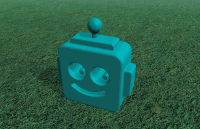
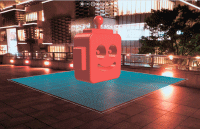
- Panoramic HDR Background
- Static Image Background
- Solid Color Background
- Gradient Color Background
- Ground/Land/Floor
Additional Viewer Features
The viewer provides additional important information about your 3D models and CAD designs:
- Volume
- Size
- Vertices’s
- Triangles
All these feature come in a single widget that makes its integration (hyper-link to redirect to the doc’s 3D viewer section) the easiest. See video bellow for a detailed list of API features.
Video Guide
Video description and narration. Here is short description on how to use CAD.ai Model Viewer API.


How to Install API
Our step-by-step guide documents the installation of the API and you can find it in the Docs Page below.
Support is available anytime, contact us and we are happy to help.
Visit Viewer API Installation Documentation